Chrome extension
What is the chrome extension?
Invoice grabber's chrome extension is you buddy that you can take to all different platforms that are not sending you invoices. It will fetch invoices from various providers (see list below) and send them to the grabber platform.
Installation
Install invoice grabber directly from the dashboard by clicking bottom left:
OR: directly from the chrome store
Note: you will need a valid account from invoice grabber to get this working (no worries - an account is free).
Using the extension
To start using the extension, click on the icon, right of the address bar in chrome. (you can pin the icon, or if it is not pinned, you might need to click the extension icon to retrieve invoice-grabber)
Log in
You can sign in by clicking the login button:
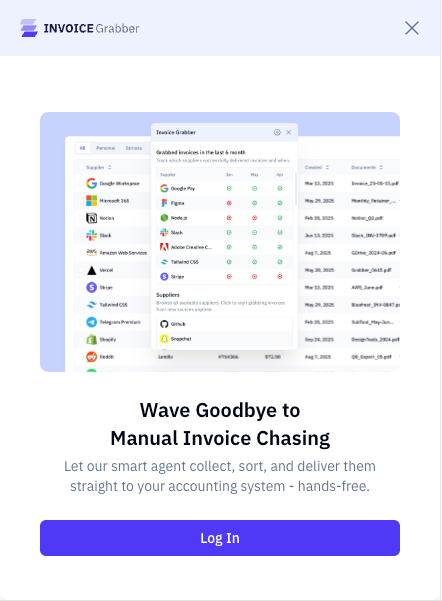
Clicking the button will open the invoice grabber platform for authentication in case you are not authenticated. Once you are signed in there, the extension is authenticated as well.
Start grabbing
Once you are logged there are 2 ways the grabber works:
- when you navigate yourself to a platform (e.g. github.com) or navigate to an invoicing page - here grabber will grab all invoices and send them to the platform.
- by clicking on the icon of one of the providers
It can be that for some providers, a background is opened and closed, that is normal behaviour in the grabbing process. When you navigate to a page yourself the grabbing will be done in the active window.
Selecting a provider:
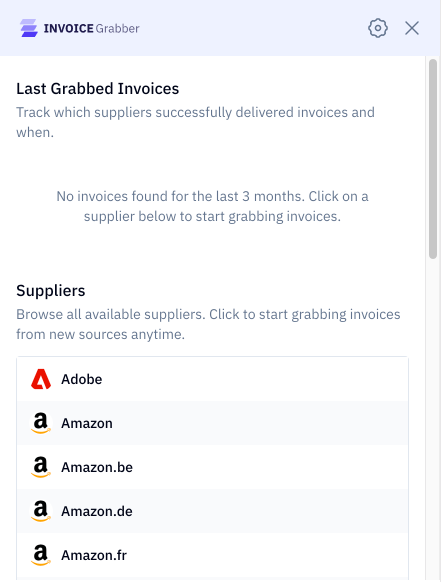
Once the grabbing took place, you will see a summary per provider on the top:
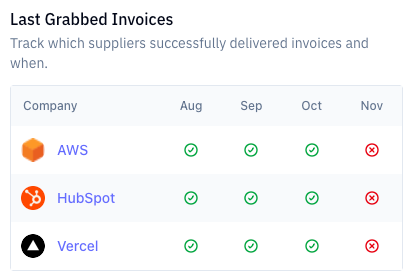
The overview will show the last 4 months and indicate if the invoice has been retrieved. The last scrape date is visible when you hover over them or in the list below.
Troubleshooting
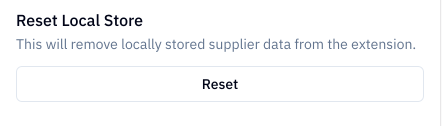
Most operations should work automatically. That means that when you are logged in, the extension will follow along. It can happen that a grab was unsuccessful or you want to redo it. In that case you can go to settings and click 'reset'. This will clear the local cache and invalidate the grabbed invoices.
If you still experience issues, reach out to our support team so we can fix the issue right away.

